

Only once an audit has been fully completed (all questions have been answered) will the auditor be presented with the “Finish” option. Clicking “Finish” generates a PDF document from the recorded data and saves it in auditBus. This report, like an open assessment, is displayed or linked under the respective location:
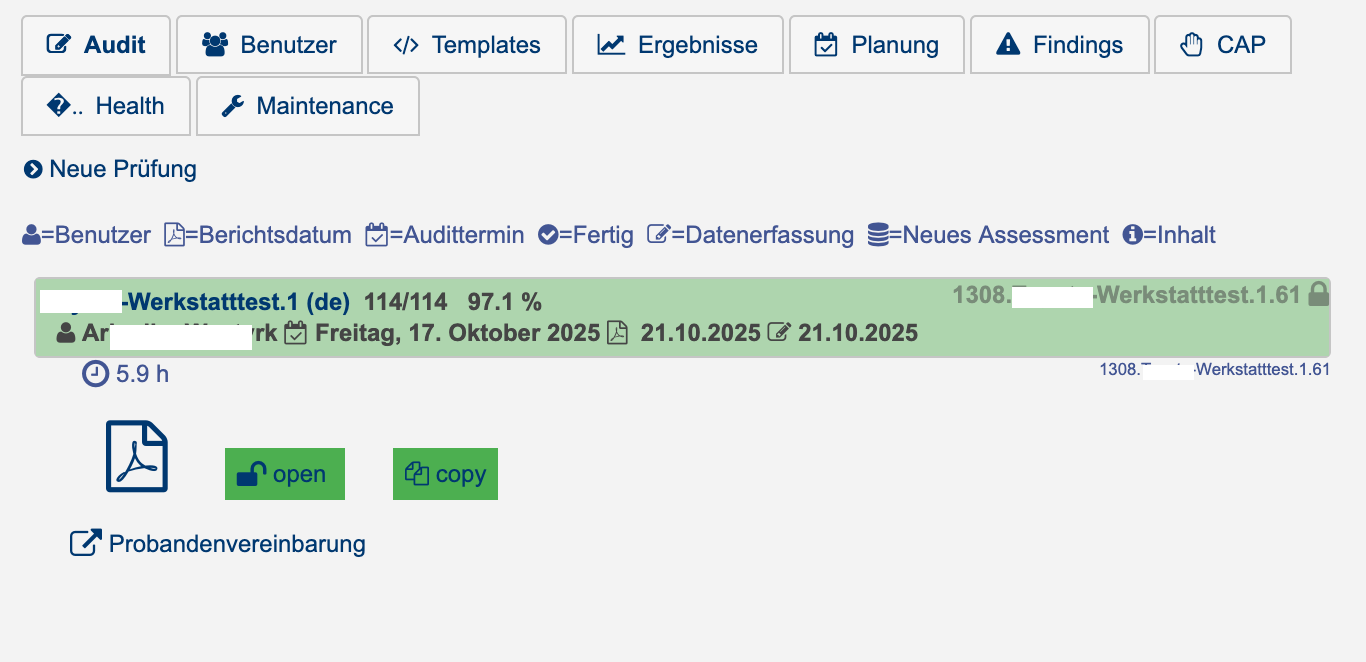
Clicking “Finish” removes the audit from the auditor’s workload, and they no longer have access to it. To work on it again, the administrator must first reopen the assessment.
Clicking “Copy” creates an open copy of the assessment.